Client work
Linking Instagram to a Facebook Page
Cayleigh Moore · 10 March 2020 · 1 min read
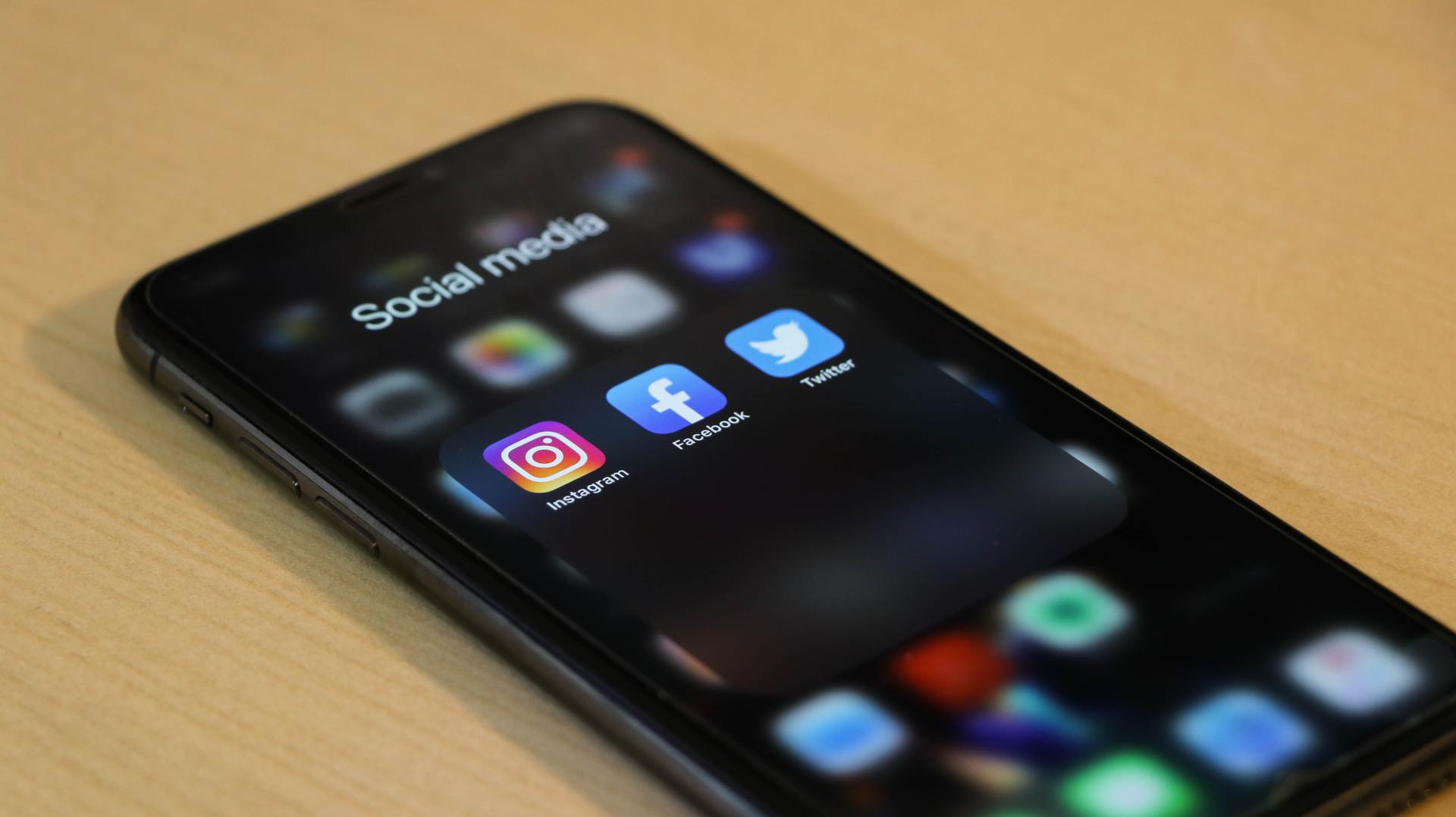
Having trouble connecting your Instagram to your Facebook business page? Sometimes the simplest things seem to take forever but with these simple 5 steps, you can be posting those posts and sharing them through different networks in no time.
Android
Go to your profile and tap .
Tap Settings.
Tap Account > Linked Accounts, then select Facebook.
If you haven't already, enter your Facebook login information.
By default, your Instagram account will share to your personal Facebook profile. To share to a Page instead, choose a Page that you manage below Share to.
iPhone
Go to your profile and tap .
Tap Settings.
Tap Account > Linked Accounts, then select Facebook.
If you haven't already, enter your Facebook login information.
By default, your Instagram account will share to your personal Facebook profile. To share to a Page instead, tap Share to and choose a Page that you manage.
Since the majority of us post through our phones, it made sense that social media would push for mobile friendly approach.